
How to Shorten a Link: A Simple Step-by-Step Guide and Best Practices
Learn how to shorten a URL, choose a custom ending, test the destination and share more clearly and confidently.
Quick answer: how to shorten a link
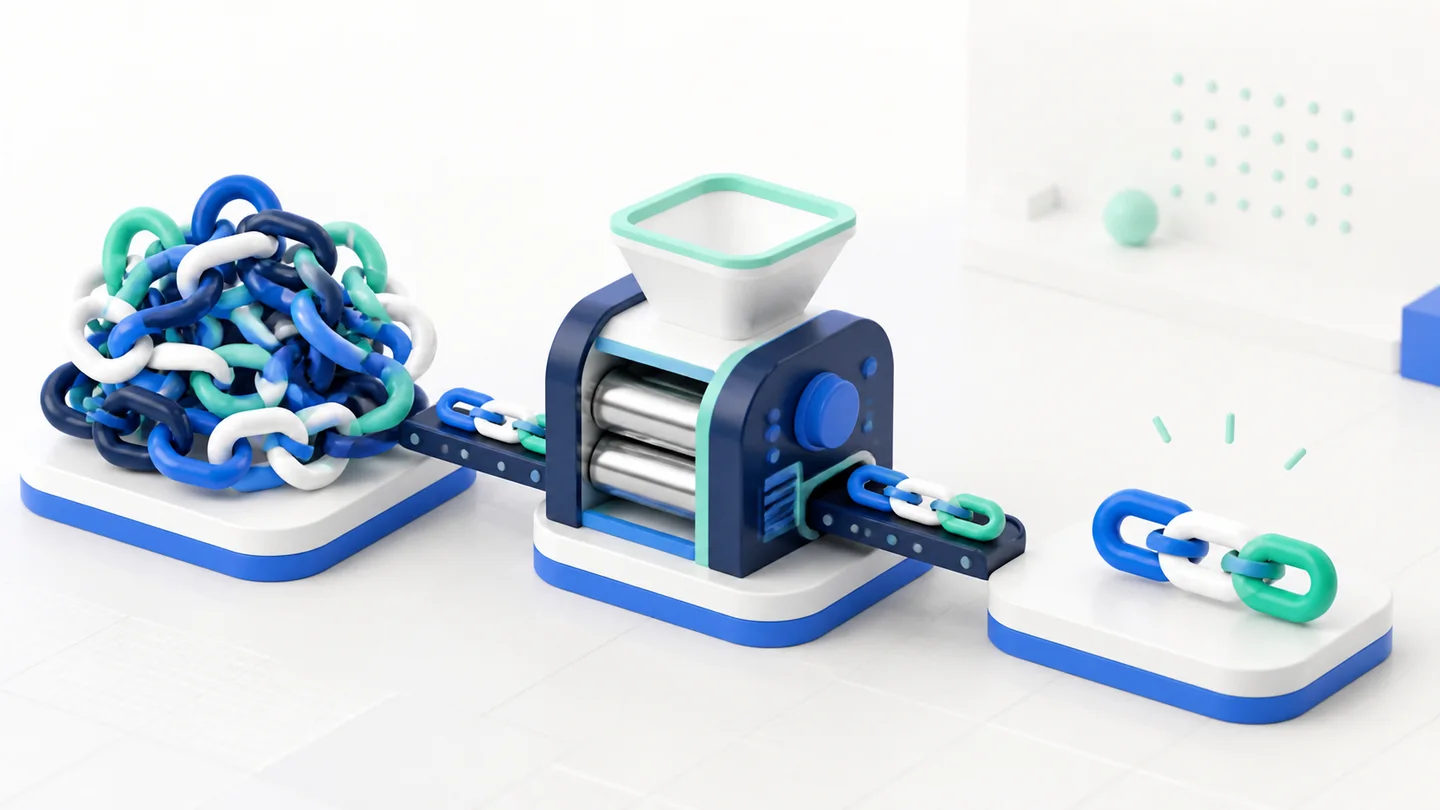
To shorten a link, copy the full URL of the destination page, paste into the AbreAí.com field and click Shorten. If you want a recognizable address, open customization and enter only the end, such as `nome-do-link`. The result can be copied immediately. You do not need to create an account to use an automatic or custom end; the free registration serves to save, organize, edit and track visits later.
The procedure seems obvious, but some care makes a difference. The URL needs to point to the right page, the slug must match the message and the created link must be tested off the editing screen. This guide details each step and shows how to avoid the most common errors.
1. Confirm the destination page
Start by opening the page you intend to disclose. Check that it loads without unexpected login, if it works on your phone and presents exactly the promised offer, form, file or information. Copying an address from an administrative area, a private preview or a temporary session is a frequent failure.
Watch the browser bar. The URL must start with `https://` or `http://` and cannot depend on embedded credentials. If there are campaign parameters, preserve the full sequence. They may be needed for the target tool assign conversions. The shortener keeps the long URL behind the scenes; you do not need to manually delete the parameters before pasting.
Also test the status of the page. A product sold out, event closed or file without permission does not improve by having a short address. The link reduces the distribution path, but the final experience remains the responsibility of the destination page.

2. Paste the long URL into the shortener
At the home of AbreAí.com, find the main form and paste the address. On mobile devices, the field appears at the beginning so that the task does not depend on browsing by menus. The system validates the format and accepts public web addresses. Dangerous protocols and internal destinations are refused for safety.
Avoid typing the entire URL when you can copy. Characters such as `?`, `&`, `%` and `=` have specific functions, and a discrete exchange can change behavior. After pasting, check the domain. Hits also use spellings similar to known websites; verification is useful both when creating and receiving a link.
If the form points error, return to the original page and copy again. Do not attempt to correct an extensive URL in the eye, except when you know exactly the role of each snippet.
3. Automatic or custom final choice
The automatic end is ideal when speed matters more than memorization. It uses a random and unique sequence, reducing the chance of collision without requiring a name decision. Use this option for quick sharing, conversations, testing and materials where the link will be behind a button.
The custom ending appears after `abreai.com/`. Instead of a random code, you can use something like `catalogo-verao`, `menu-digital` or `inscricao-aula`. The field shows `abreai.com/` as fixed prefix; therefore, enter only `nome-do-link` without domain, homebar or spaces.
Custom endings need to be between four and thirty-two characters and accept letters without accent, numbers, hyphen or underlined. The system converts letters to lowercases. If the name is occupied, choose a specific variation. Adding the type of content, city, edition or period is usually more understandable than entering random numbers.
4. Create an easy to read slug
Slug is the technical name at the end of the address. A good slug can be understood when it appears isolated. Prefer real words and a natural order. `consulta-online` communicates more than `cnslt02`. Use hyphens to separate terms and avoid repeating the domain or words like “click here”, which do not explain the destination.
The name must remain true as long as the link exists. `promocao-hoje` ages in 24 hours; `ofertas-da-semana` can last longer, provided the destination is updated and remains consistent. For annual events, including editing avoids confusion between old and current pages.
Don't try to put the whole sentence in the slug. The goal is still to keep the address short. Three or four specific words are usually enough. See more examples and patterns in the article custom link: how to choose an easy to remember end.
5. Decide whether to save on an account
You can create and customize without registration. This option is useful when the need is punctual and the destination will not require maintenance. However, campaign, bio, menu, portfolio, service or printed material links should be treated as assets that you will need to find again.
With a free account, the link is listed. An internal title can explain the context without appearing to the public. Instead of relying on memory, register “QR Code table — lunch menu” or “Instagram — photo budget”. The panel pages the results from twenty to twenty, avoiding loading the entire library at once and keeping the navigation predictable even when there are thousands of records.
Save also allows you to consult statistics and manage the state. If a page leaves the air or an action ends, pause the link. If the information changes, review destination. Organized history reduces duplications and prevents old addresses from continuing to circulate without supervision.
6. Click Shorten and copy the result
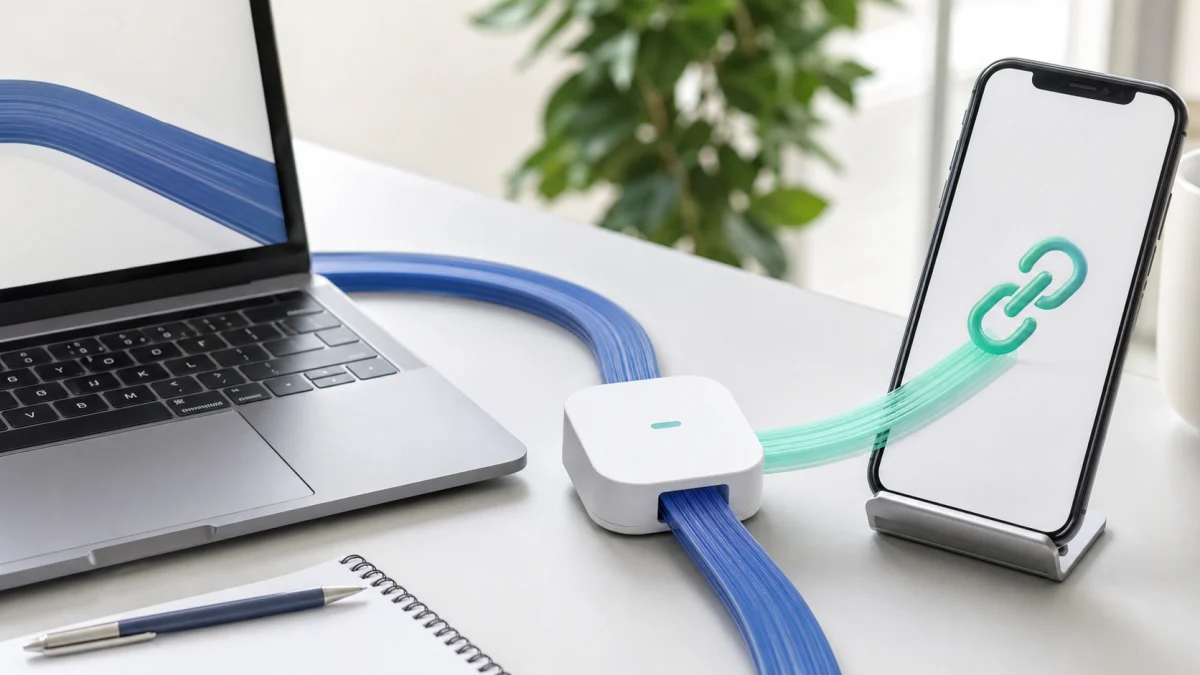
After checking the fields, create the link. The system records the association between the slug and the destination and shows the address ready. Use the Copy button; the label itself changes to Copyed!, confirming that the link has entered the clipboard.
This visual feedback avoids repeated clicks and the common doubt about the action having worked. Still, don't paste directly into dozens of channels. The next step is an independent verification.
If the custom slug already belongs to another link, the system does not overwrite it. This protection ensures that a public address is never silently directed to a different campaign. Pick another ending and try again.
7. Test as a visitor
Open an anonymous tab, other browser or mobile phone and paste the short address. Confirm three points: the domain is expected, redirecting happens without intermediate page and the final destination matches the original URL. Also test important parameters such as coupon or campaign identification.
An anonymous tab helps to see if destination depends on session. A form that opens for you because your account is already authenticated can block the audience. If the material will be printed, type the link manually once to evaluate whether the slug is really easy to play.
Do not just use the previous message applications as validation. Preview bots may open the URL to search for title and image, but this does not represent a person's complete experience.
8. Share with context
The link must not alone carry all the responsibility of convincing or transmitting security. Follow him with a phrase that explains destination and action: “See the updated menu”, “Download the class material” or “Fill out the official form by Friday”. Context reduces hesitation and helps the person identify changed messages.
On social networks, combine the slug with the subject of publication. In WhatsApp, avoid identical shooting without permission; legitimate links can also be perceived as spam when sent abusively. In arts, book enough contrast and size for reading. In audio or presentation, pronounce the ending slowly and use words unambiguously.
To separate results, create a channel address. One link to bio, one to message and one to poster allow comparing distribution. The destination may be the same, but internal slugs and titles need to register the planned origin.
9. Follow the first visits
Statistics show if the link went into circulation. Observe clicks per day, estimated visitors, browser shared origin and device types. A discharge of visits soon after a publication confirms distribution; complete absence may indicate positioning error, weak message or channel without reach.
Do not confuse click with conversion. If the goal is sale, registration or contact, the destination needs to measure this result. The shortener indicates how many people crossed the bridge; the final tool reports what happened next. Learn to combine signals in the guide how to track links clicks.
Compare equivalent periods and change one variable at a time. Exchange channel, text, audience and destination simultaneously prevents knowing which choice influenced the result.
Common errors while shortening URLs
- Copy the address of the administrative area instead of the public page.
- Create a generic slug that does not explain the content.
- Disclose without opening the link as a visitor.
- Use the same address on all channels and then try to compare sources.
- Delete parameters required for assignment at destination.
- Keep an expired offer active without warning.
- Confused amount of clicks with number of customers.
- Send links without context or to people who did not request the message.
These errors are avoidable with a simple checklist. The tool speeds up the operation, but does not replace editorial review and quality testing.
How to shorten links on your phone
On your phone, copy the address using the browser share option or prolonged tap on the URL bar. Open AbreAí.com, paste into the main field and choose the end. The mobile form prioritizes the task, without depending on the character or a heavy image in the background.
After copying the result, go back to the application you want to share. Before sending, read the entire message and check if the link was not attached to a score that might confuse the selection. In work materials, save the link to an account to not depend on the clipboard history.
Final checklist
- Is destination public, correct and works on the phone?
- Was the full URL copied without accidental changes?
- Does the custom ending describe the content?
- Was the link saved with a useful internal title when needed?
- Has the short address been tested outside the current session?
- Does the message explain where the person will be taken?
- Every major channel has its own identification?
- Is there a person responsible for reviewing or pause the link afterwards?
Following this flow, shortening ceases to be just reducing characters. It becomes a small routine of distribution with clarity, control and learning ability.
Conclusion
The best step by step is the one that remains simple without ignoring verification. Paste the URL, customize if this helps, create, copy and test. Use the account for management and statistics, not as a barrier to the first task. Give context to the public and connect clicks to the actual results of the final page.
With this discipline, a short link can work in a quick conversation or in a library with thousands of campaigns. The interface remains direct; the organization and engineering work behind the scenes so that each click finds the right destination.
Frequently asked questions
How can I shorten a link for free?
Paste the destination URL in AbreAí.com, choose an optional ending and click Shorten. The address is ready to copy.
Do I have to create an account?
Not to shorten or customize. The account is recommended when you want to edit, pause, organize and measure the links afterwards.
Can I change the destination later?
Links saved in an account can be managed by the dashboard, depending on the options available in the service.