
Trackable QR Codes: How to Create, Test and Measure Them
Create a QR code with a short link, UTMs and analytics, test print and mobile behavior, and measure campaigns without identifying people.

How to create a trackable QR Code
Create a manageable short link first, with final destination and appropriate UTMs; then generate the QR Code from that address. This way, each read goes through redirection and can appear in the link's aggregated statistics. On AbreAí.com, the QR is in the history header and can be copied or downloaded. To measure a sign, menu, or packaging, use a unique link per piece or channel.
“Traceable” does not mean identifying the person. The goal is to measure requests, period, region and device type when technically available and permitted. Do not promise absolute accuracy and respect LGPD, consent and minimization.
Static, dynamic QR Code and short URL
A QR Code is a visual representation of data. If it directly contains a long URL, the image is static: to change the destination, other code would need to be generated and printed. If it contains a managed short link, the image remains the same while the platform controls the redirection. The term “dynamic QR” typically describes this management layer, not changing pixels.
The short link also reduces the number of QR modules, which can improve reading at smaller sizes. This does not eliminate physical testing. Complexity depends on length, error correction, and encoded data.
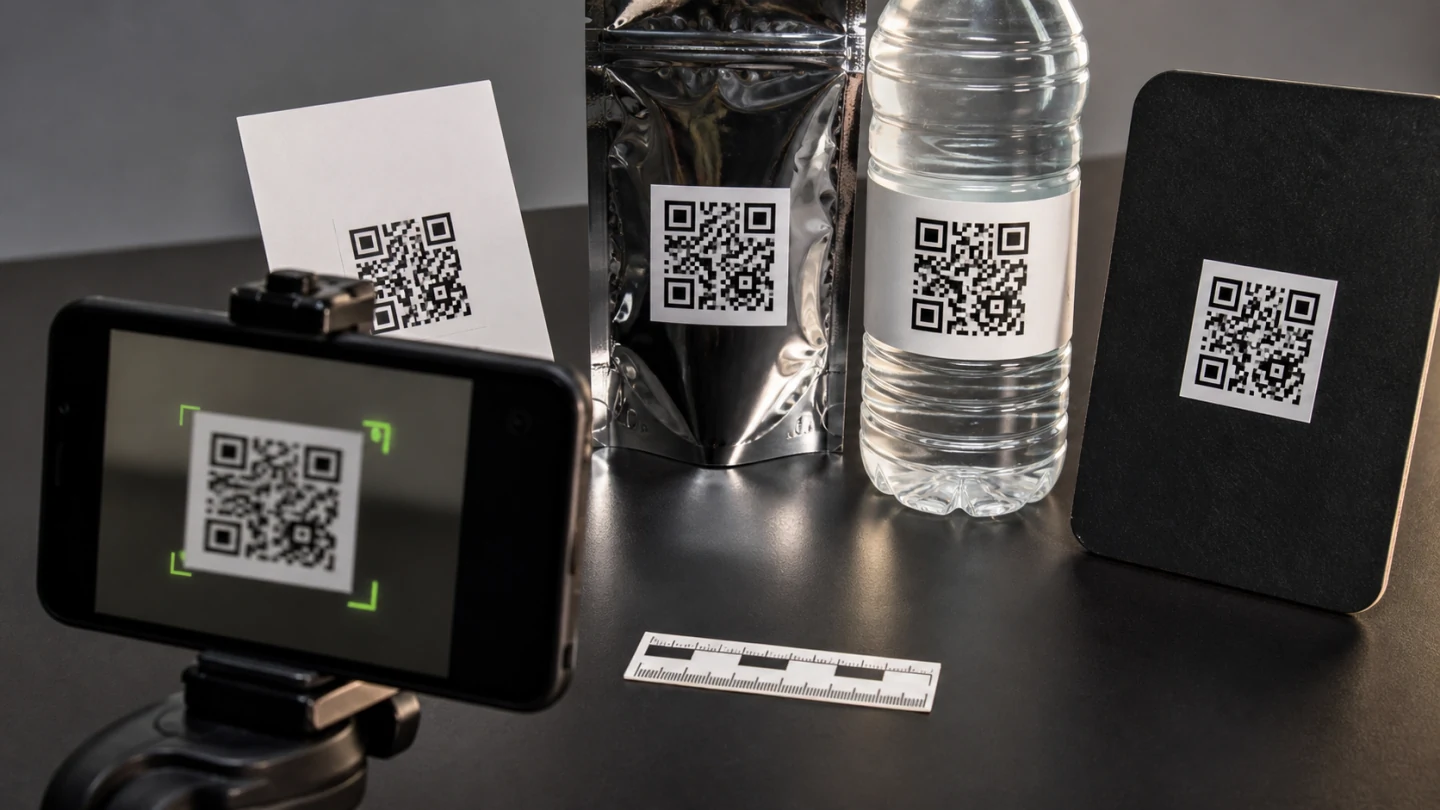
Step by step on AbreAí.com
1. Define the objective of the piece. 2. Create the stable landing page. 3. Add UTMs without personal data. 4. Shorten the URL and choose a clear slug. 5. Save to account to manage. 6. Open link history. 7. Copy or download the QR Code. 8. Test the image at production size. 9. Publish and track the period.
The download must be kept with the briefing. Record which slug is on each material. Without inventory, teams change destinations or pause links without realizing that packages are still in circulation.
Set a question before measuring
“How many people use QR?” is broad. Better questions: which table in the restaurant generates the most hits on the menu? Which packaging drives more people to the instructions? Which event banner produces registrations? The question determines how many links to create.
If all parts use the same QR, you measure the combined total. If you want to compare, create different links. Do not fragment by unit when there will be no volume or decision. Segmentation without hypothesis produces empty panel.
Use UTMs with QR
A possible pattern:
- `utm_source=cardapio-mesa`;
- `utm_medium=qr`;
- `utm_campaign=menu-inverno`;
- `utm_content=mesa-area-externa`.
For packaging, source can be `embalagem`; for event, the name of the event. Keep convention lowercase. Do not use a customer code, telephone number or other personal identifier.
The shortener measures the click; UTM allows the target's analytics to classify the session. Totals differ by bots, consent, blocking, or abandonment before upload.
Design: contrast and margin
Use dark modules on a light background. Preserve the surrounding quiet zone. Avoid placing the QR over a photo, texture or fold. Do not stretch in a non-proportional way. If applying color, maintain sufficient contrast and test in grayscale.
Center logos can work when error correction and removed area are controlled, but decrease tolerance. For reliability, prefer clean code accompanied by the brand and a CTA outside the matrix.
Size and distance
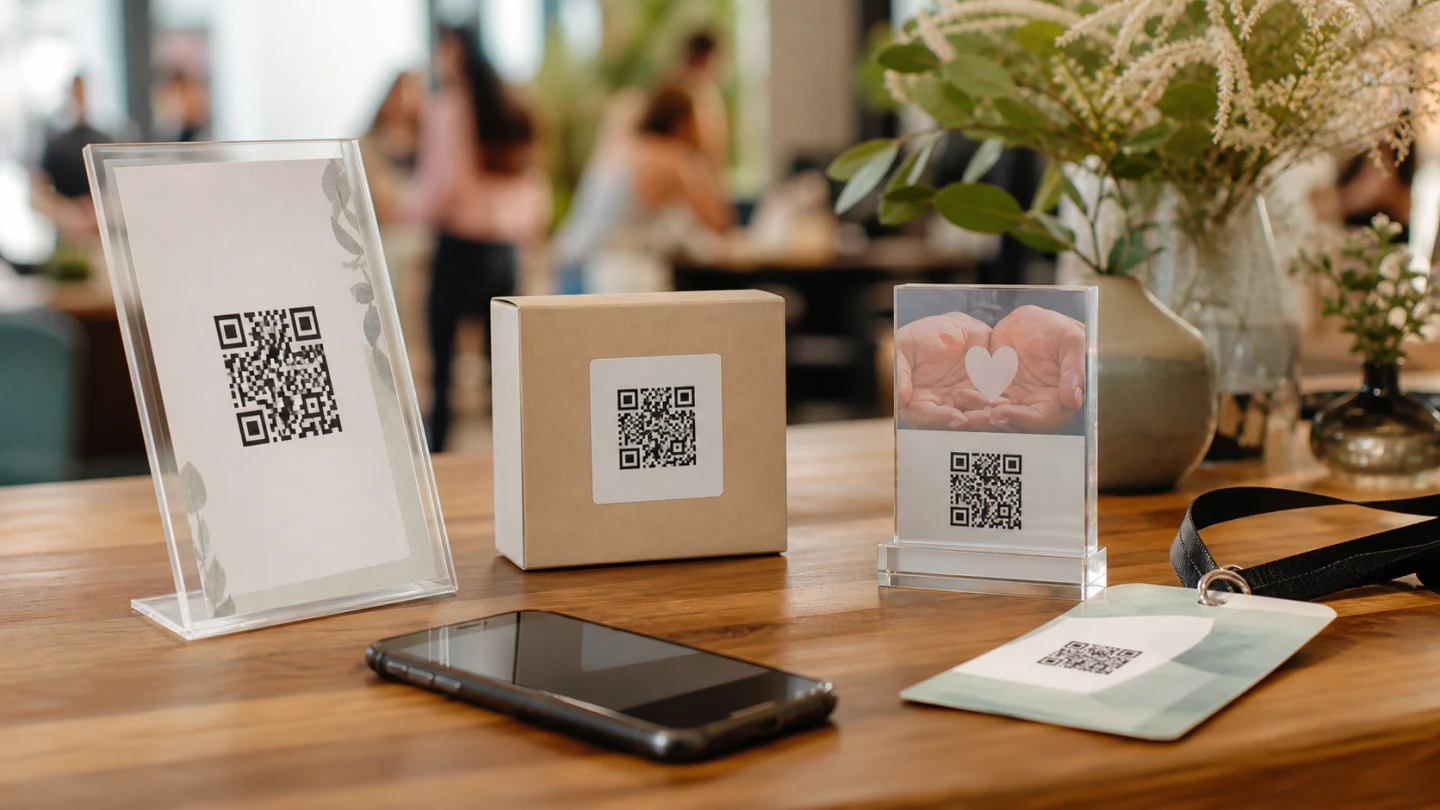
There is no single measure. The greater the distance, the greater the code must be. A common rule of thumb relates size to distance, but camera, lighting and material all change the result. Prototype in the real environment.
Table menu can be tested within 2 to 4 centimeters; poster seen from meters needs much more. Curved packaging requires attention to deformation. Glossy screen can create glare. Test with basic cell phones and native applications.
CTA: tell us what happens
Don't publish a square without context. Use phrases like “Point the camera to see the menu” or “Scan to track the order”. Explain the benefit and avoid promising something other than the destination.
The short link may appear written below as an accessibility and contingency alternative. A readable slug helps those who cannot use the camera.
Mobile landing page
Most QR accesses occur on cell phones. The page must load quickly, have a readable font, a large button and little scrolling. Avoid modal that hides content and long form. Test with real 4G/5G.
Preserve continuity: if the poster promises a menu, don't send it to the generic website. If the QR is in a package, open specific instructions. The conversion depends more on the destination than on the code design.
Tests before printing
Test iOS and Android, native camera, low light, tilt, distance, final print and material. Open to Wi-Fi and mobile network. Check the displayed domain. Inspect UTMs and event analytics.
Print a proof using the same printing method. Screen and printer reproduce colors differently. Lamination, varnishing and folding can compromise readability.
Security for those who scan
QR Code visually hides the destination. The user must verify the domain shown by the camera. Companies must use context, identity and descriptive slug. Malicious stickers can cover legitimate code in public spaces; inspect materials regularly.
Do not ask for a password or payment immediately without clear signs of authenticity. Use HTTPS. Explain the journey in the material and on the landing page.
Security for those who create
Protect your account with a unique password and secure recovery. Restrict who can edit the destination. Revoke unused integration tokens. Monitor changes and hold campaign accountability.
The target needs to be validated against dangerous protocols and internal networks. Rate limits and reporting help reduce abuse. Do not store data beyond its intended purpose.
How to interpret the data
The dashboard can show clicks per day, estimated visitors, countries and devices. Repeated reading can generate multiple clicks. Security scanners and previews also interfere. Use trends and compare equivalent pieces.
Combine with landing page sessions, events, and conversions. A piece can generate many scans and little conversion due to a bad promise or slow page. Another may generate little volume and high quality.
Controlled experiments
To compare two arts, keep destination, offer and period the same; change only the tested element. Use different links. Don't change CTA and position at the same time if you want to attribute cause.
Set sample and duration beforehand. Avoid declaring a winner with few hits. Record external factors such as rainfall, inventory or location.
QR on menus
Create links by unit or zone when it guides operation. Keep an alternative printed and accessible. The page should open without installation. Do not force registration to consult basic information.
If the menu changes, the short link avoids reprinting, as long as the destination is managed. Review periodically to avoid highlighting the removed page.
QR on packaging
Packaging remains in circulation for months. Use stable domain, monitor validity and create evergreen destination. Register batch only if there is purpose and governance; do not expose sensitive data in the URL.
Plan what happens when the product is discontinued. Redirecting to archived support or instruction is often better than a generic error.
QR at events
Separate accreditation, agenda, material and research. A single QR for everything can be frustrating. Use clear slugs and fast landing pages. Consider access peaks at opening; test capacity.
After the event, update the target for follow-up recordings or content, if this was communicated. Don't reuse the same slug for different events without preserving context.
QR in paid and offline media
Billboard, magazine, TV and point of sale have different environments. Register source by channel and content by piece. Compare cost per session or conversion, not just scans.
On TV, the code needs to remain long enough. Outdoors, size and speed of the viewer matter. Do not use QR when the person is driving.
Automation and scale
To generate many links via API, use server-side token, taxonomy validation and queue. Store relationship between asset, link and file. Do not generate duplicates in retry. Respect rate limits.
Image generation can occur in the design system, but the URL needs to be born in the source of truth. Establish stable IDs and an approval flow before printing.
Monitoring and maintenance
Create periodic testing of the redirect and destination. Differentiate health check from human click to avoid polluting analytics. Track errors, TLS, and domain validity.
Review active QR Codes per quarter. Identify materials still in circulation. Pause only when there is a plan for who to scan; an informational page might be better.
Production checklist
1. Defined objective and question. 2. Mobile landing page ready. 3. Standardized UTMs. 4. Short link saved and named. 5. QR downloaded in good quality. 6. Contrast and margin preserved. 7. Test at full size. 8. Test on different networks and devices. 9. Updated part and slug inventory. 10. Monitoring and future destination defined.
Specification for graphics and creative team
Deliver the QR in a format and resolution compatible with the part. Do not use compressed screenshots from messengers. Maintain proportion, quiet zone and contrast, and inform the minimum size approved in the test. If artwork is resized, it needs to go back to physical validation.
Include in the briefing the short written link, expected destination, slug, campaign, person responsible, review date and material where the code will be applied. For packaging, record print run and circulation period. For events, record location and usage window. This inventory allows you to quickly discover which parts will be affected by a target change.
The design team should not edit the QR matrix to “fit” the composition. Decorative borders, transparency, distortion and overlapping can reduce readability. The brand can be next to the code with a clear CTA. When a central logo is essential, test the final version on real devices and conditions, not just on the designer's monitor.
Metric that guides decision
Set target-related rate. On a menu, compare scans by table and time. In packaging, compare sessions and access instructions. At an event, compare completed registration by piece. An isolated volume does not explain quality.
Use coherent window and denominator. A thousand readings on a hundred thousand packages may represent a different performance than a hundred readings on five hundred invitations. Combine link data with target conversion and operational context, without trying to identify each person.
Conclusion
A trackable QR Code is the combination of a readable image, a manageable short link, a taxonomy and a well-constructed landing page. The goal is not to identify people, but to understand distribution and improve the experience. Use a link per difference that you really intend to analyze, test before printing and keep the destination alive throughout the circulation of the material.
Frequently asked questions
What makes a QR code trackable?
The QR code points to a managed short link that records requests and redirects to the destination with the defined parameters.
Can I change the destination without reprinting?
When the QR code contains a manageable link, the destination can be updated under the platform rules without changing the printed matrix.
Does a trackable QR code identify the person?
It should not be treated that way. Use aggregated data and a clear purpose while respecting privacy, consent and minimization.